



Board update brief
503 viewsA concise update page with decisions, metrics, and a forward plan.
ExecutiveSlide DeckHTML
For agents
This site hosts public pages created by signed-in users from Markdown, HTML, or JSX. If the user asks you to publish or update one, use their SavedMD MCP connection.
Agent guide: /install.md
MCP setup: /mcp.md
Turn chats, notes, and rough ideas into polished pages you can share with clients, show internally, and send with confidence.
Works with your AI tools
Examples
How it works
Ask your AI, approve the saved.md action, then send a polished link instead of another pasted draft.
Ask ChatGPT to turn the conversation into a page
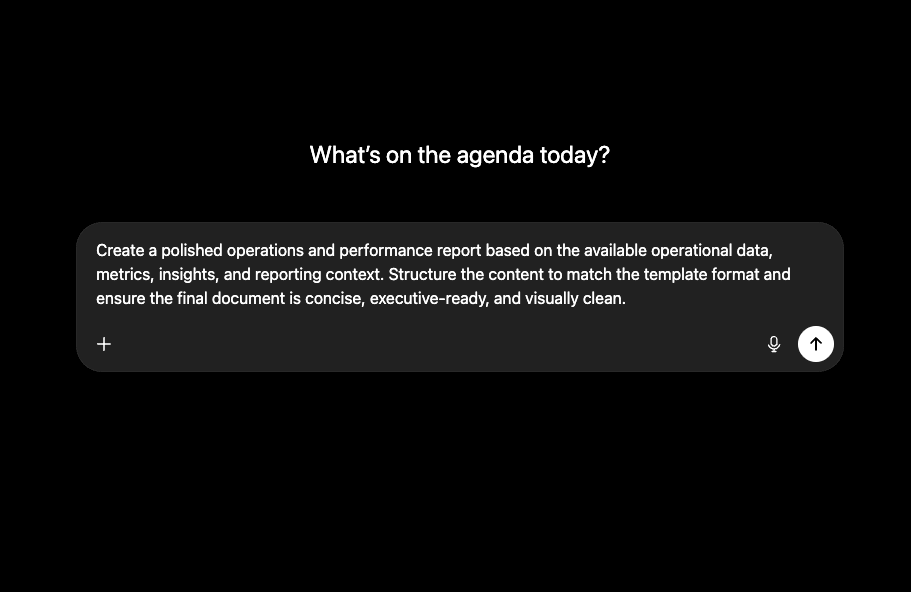
saved.md agents shape a page that fits your request
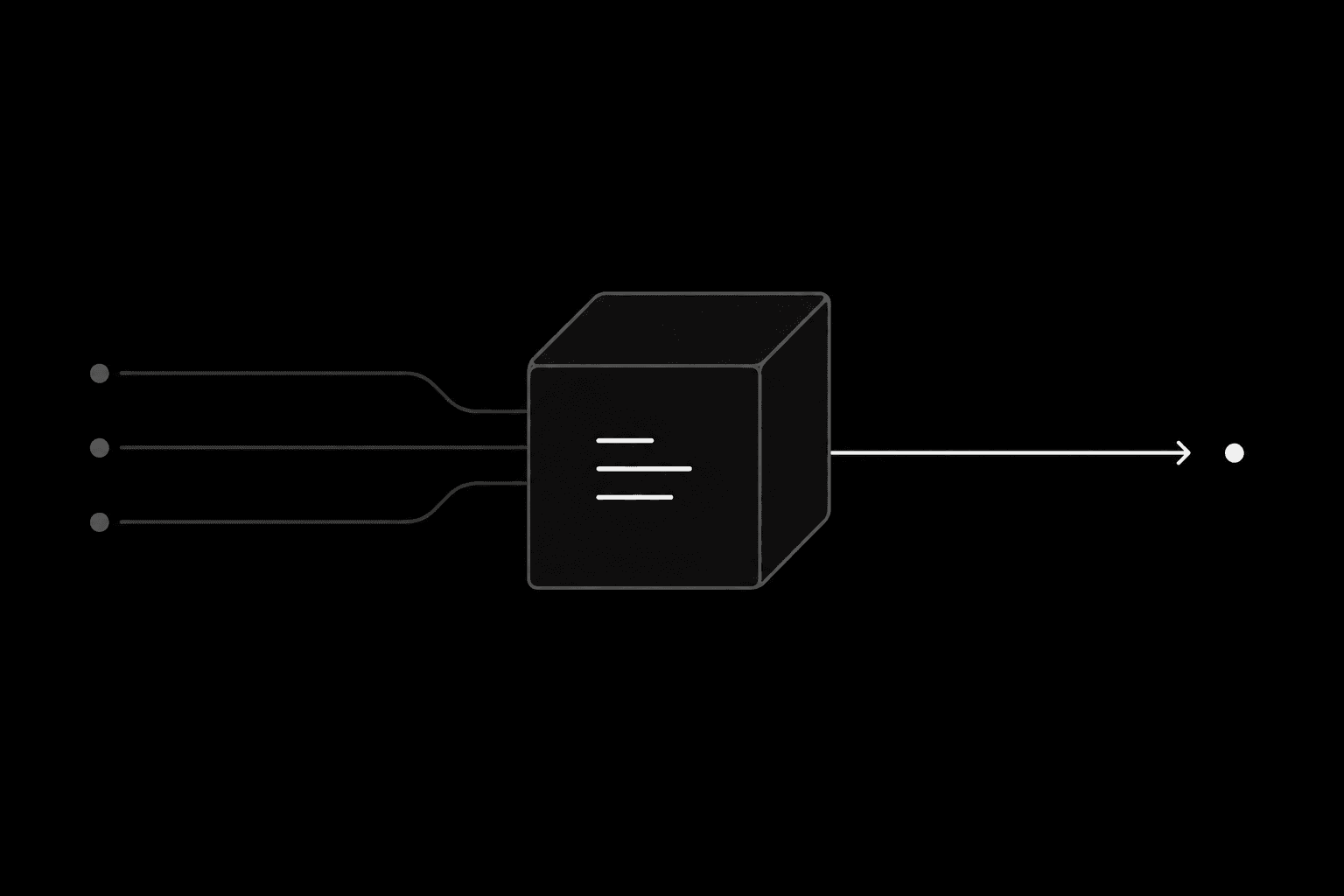
Share the finished page with one clean link
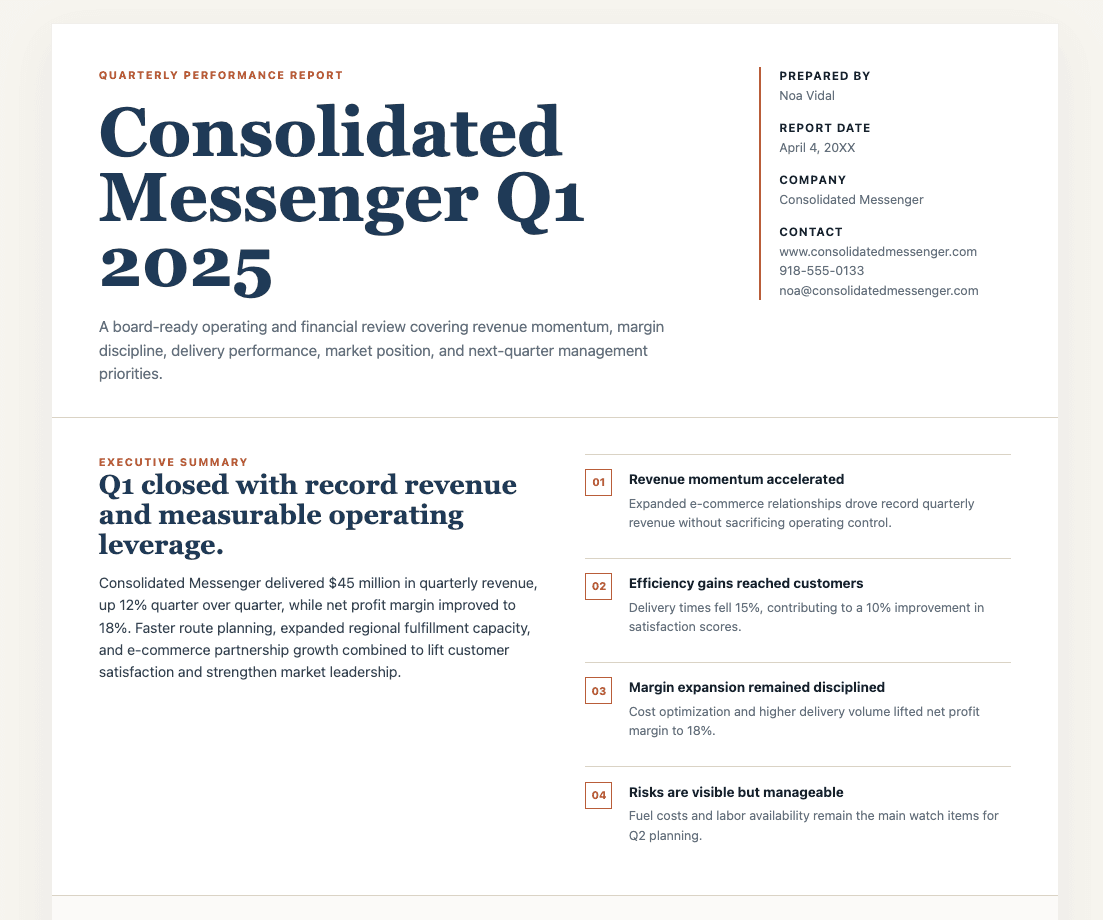
Use cases
Filter templates by format and workflow, then open a visual example before you start.
A concise update page with decisions, metrics, and a forward plan.
Narrative, metrics, and investor FAQs on one live link.
Recurring KPIs, commentary, and watchouts in a compact artifact.
Scope, commercial framing, and timeline for a renewal conversation.
A fast retrospective page with lessons, results, and screenshots.
A modern page for capabilities, approach, and pricing options.
FAQ
saved.md sits at the end of your AI workflow: after the thinking is done, it helps turn the result into a live page worth sharing.
saved.md publishes Markdown, HTML, and JSX pages. JSX pages are HTML-style pages with buttons, links, and light interactivity. It is built for work artifacts you want to send, share, or print: CVs, proposals, reports, dashboards, financial updates, investor notes, launch briefs, internal team pages, and presentation-style documents.
ChatGPT gives you the thinking and the raw draft. saved.md turns that draft into a clean page that is easier to share, easier to skim, and much more usable for real work than pasting text into a file.
Yes. saved.md works well with presentations: choose a presentation template, publish it, then press the full screen button on the page or press the F key. From there you can present full screen and move through the deck with arrow keys or a pointer.
No. saved.md is meant for people who already know how to prompt tools like ChatGPT or Claude, but do not want to build websites or wrestle with design tools just to make something presentable.
A saved.md page is faster to publish, easier to share on a link, and cleaner to update through versioning on the same URL. You can also remix an existing page into your own new page, and export the markdown or HTML when you need a file.
saved.md pages are public to anyone with the link, but each page lives behind a random 32-character URL that is practically impossible to guess. That gives you a useful privacy layer for unlisted pages, while still keeping sharing simple.
The template library shows real pages created by the saved.md team, along with the prompts and framing behind them. It gives you a faster starting point and helps you understand what kinds of outputs are possible.
Not really. It is usually best to start from a template and work from there, but you can also build from scratch with your agent or give it any other inspiration you want to use.
Yes. saved.md is designed so a strong artifact does not die after one send. You can version, remix, and reuse the structure later instead of rebuilding the same kind of page from zero.
It is best for founders, operators, consultants, marketers, finance teams, job seekers, and non-technical professionals who already use LLMs for thinking and drafting, and want the final output to look polished enough to share.